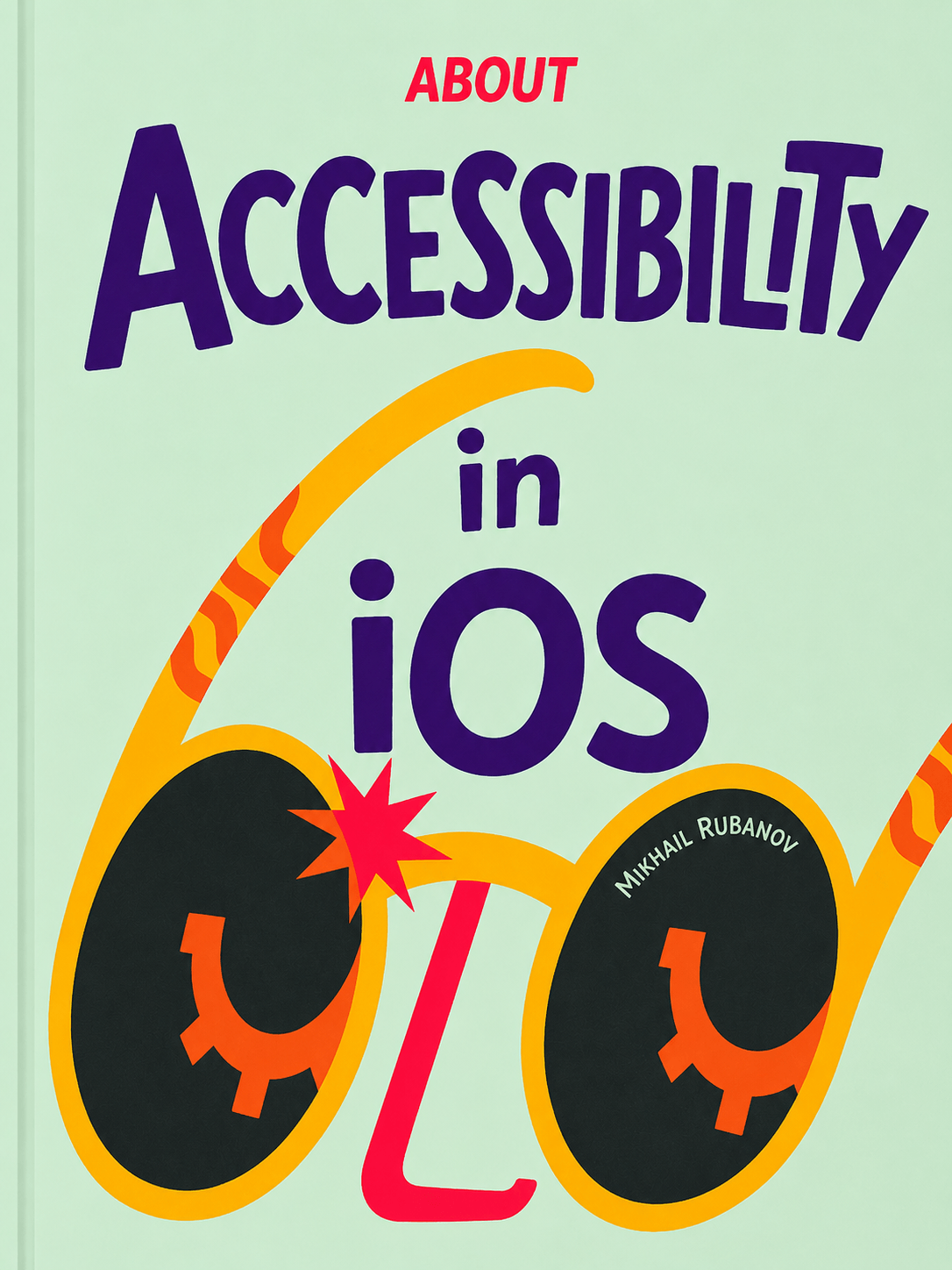
About iOS AccessibilityПро доступность iOS
A practical, deeply visual guide to making iPhone apps usable by everyone. Learn how VoiceOver works, how to adapt your interface element by element, and how to verify the result — with screenshots and real-world examples. Практичное и наглядное руководство о том, как сделать iPhone-приложение доступным для всех. Вы узнаете, как работает VoiceOver, как адаптировать самые разные контролы и как проверить результат.

Start with four free chaptersНачните с четырёх бесплатных глав
Sample the book before you buy — these chapters are open in full.Попробуйте книгу перед покупкой — эти главы открыты целиком.
- 2 · StatisticsСтатистика FreeБесплатноThe known numbers on disability, and how to collect your own. Какая статистика есть и как собрать собственную.
- 8 · ActionsДействия FreeБесплатноThe core VoiceOver gestures for interacting with elements. Основные жесты VoiceOver для взаимодействия с элементами.
- 17 · Cells in listsЯчейки в списках FreeБесплатноTurn any cell, however complex, into a single accessibility element. Любую, даже самую сложную ячейку превращаем в один элемент доступности.
- 18 · Vertical swipesВертикальные свайпы FreeБесплатноHorizontal swipes move focus; vertical swipes change the value inside an element. Горизонтальные свайпы перемещают фокус, а вертикальные меняют значение внутри элемента.
Diagrams, real code, and deep divesСхемы, реальный код и глубокие разборы
Every idea is illustrated — VoiceOver's focus and reading order shown on real screens, in light and dark — and paired with the actual UIKit and SwiftUI code that makes it work. Each chapter goes deep: not just which API to set, but how VoiceOver builds the accessibility tree and reads an element out loud.Иллюстрированный учебник с примером кода на UIKit и SwiftUI. От основ до практики: как работает VoiceOver, как строится дерево доступности, через анализ каждого элемента дизайн-системы до построения доступных сценариев.
What's insideЧто внутри
- 1 · What is accessibility?Что такое доступность?How well an interface adapts to different groups of people — and why that's the whole game.Насколько хорошо интерфейс адаптируется под разные группы людей — и почему в этом вся суть.
- 2 · StatisticsСтатистика FreeБесплатноThe known numbers on disability, and how to collect your own. Какая статистика есть и как собрать собственную.
- 3 · Why botherЗачем это нужноUseful for developers, important for companies, and a skill you can learn.Полезно разработчикам, важно компаниям — и этому можно научиться.
- 4 · No separate versionОтдельной версии не будетYou adapt the existing app rather than building a parallel one for blind users.Вы адаптируете существующее приложение, а не строите параллельное для незрячих.
- 5 · How VoiceOver worksКак работает VoiceOverTurning a graphical interface into an audio one that blind people can use fully.Как графический интерфейс превращается в звуковой, которым незрячие пользуются полноценно.
- 6 · Turning VoiceOver onВключаем VoiceOverEnable it and learn to use apps in screen-reader mode yourself.Как включать скринридер и как научиться пользоваться.
- 7 · NavigationНавигацияHow to use the phone when you can't see anything on the screen.Как пользоваться телефоном, когда не видишь ничего на экране.
- 8 · ActionsДействия FreeБесплатноThe core VoiceOver gestures for interacting with elements. Основные жесты VoiceOver для взаимодействия с элементами.
- 9 · Before and afterДо и послеAn unadapted vs. adapted interface, using Apple's Health app as an example.Неадаптированный и адаптированный интерфейс на примере приложения «Здоровье» от Apple.
- 10 · Anatomy of focusАнатомия фокусаHow VoiceOver finds an element, reads its properties, and describes it.Как VoiceOver находит элемент, читает его свойства и описывает его.
- 11 · Accessibility treeДерево доступностиHow the tree is built from the UIView hierarchy.Как дерево строится из иерархии UIView.
- 12 · PracticeПрактикаExercises to get comfortable using VoiceOver hands-on.Упражнения, чтобы освоиться с VoiceOver на практике.
- 13 · LabelsПодписиLabeling elements so VoiceOver reads them clearly and accurately.Как подписывать элементы, чтобы VoiceOver читал их понятно и точно.
- 14 · ButtonsКнопкиThe
.buttontrait, activation, text-less buttons, and tabs.Трейт.button, активация, кнопки без текста и вкладки. - 15 · ImagesИзображенияWhen to hide images and when to expose them to give a page structure.Когда изображения скрывать, а когда показывать, чтобы задать странице структуру.
- 16 · Grouped controlsГруппировка элементовReduce the number of elements and simplify navigation.Уменьшаем количество элементов и упрощаем навигацию.
- 17 · Cells in listsЯчейки в списках FreeБесплатноTurn any cell, however complex, into a single accessibility element. Любую, даже самую сложную ячейку превращаем в один элемент доступности.
- 18 · Vertical swipesВертикальные свайпы FreeБесплатноHorizontal swipes move focus; vertical swipes change the value inside an element. Горизонтальные свайпы перемещают фокус, а вертикальные меняют значение внутри элемента.
- 19 · Custom actionsКастомные действияMove a button's actions into swipe-selected custom actions.Переносим действия кнопок в кастомные действия, выбираемые свайпом.
- 20 · Additional descriptionsДополнительные описанияMove extra text in complex cells onto vertical swipes.Выносим дополнительный текст сложных ячеек на вертикальные свайпы.
- 21 · CarouselКарусельAdapt the horizontal scroll of banners, buttons, and upsell blocks.Адаптируем горизонтальный скролл баннеров, кнопок и рекламных блоков.
- 22 · RotorРоторCustomize the rotor to jump between headings, buttons, and text fields.Настраиваем ротор, чтобы переходить между заголовками, кнопками и текстовыми полями.
- 23 · Within a screenВнутри экранаElement order, grouping, and notifications.Порядок элементов, группировка и уведомления.
- 24 · Between screensМежду экранамиBack navigation, the primary action, and modal windows.Возврат назад, основное действие и модальные окна.
- 25 · App navigationНавигация по приложениюThe tab bar, navigation stack, and split view.Таб-бар, стек навигации и split view.
- 26 · NotificationsУведомленияHow VoiceOver learns about screen updates — automatically and manually.Как VoiceOver узнаёт об обновлениях экрана — автоматически и вручную.
- 27 · ScrollСкроллA look at how scrolling works for accessibility.Как устроен скролл с точки зрения доступности.
27 chapters, and more on the way27 глав — и это не всё
These chapters are in translation and will be added to your edition as they land — at no extra cost. Эти главы сейчас переводятся и будут добавлены в ваше издание по мере готовности — без доплат.
- Voice Control Coming soonСкороDriving the entire interface by voice, hands-free.Управление всем интерфейсом голосом, без рук.
- Switch Control Coming soonСкороOperating the app with one or two physical switches.Управление приложением одним-двумя физическими переключателями.
- Dynamic Type Coming soonСкороAdapting layout and text to the user's preferred font size.Адаптация вёрстки и текста под выбранный пользователем размер шрифта.
A book built for every screenКнига, свёрстанная под любой экран
A modern web book you read right in the browser — no app to install, nothing to download. A few things make it comfortable to read: Современная веб-книга, которую вы читаете прямо в браузере — не нужно ничего устанавливать и скачивать. Особенности электронной книги
- Responsive layout — typeset for both mobile and desktop, so it reads well on a phone, a tablet, or a big screen.Адаптивная вёрстка — свёрстана и для мобильных, и для десктопа: удобно читать с телефона, планшета и большого экрана.
- Dark theme — follows your system appearance automatically, easy on the eyes day or night.Тёмная тема — удобно читать и днём и ночью.
- Examples in both UIKit and SwiftUI — switch the code to whichever framework you actually write.Примеры на UIKit и SwiftUI — переключайте код на тот фреймворк, на котором пишете сами.
- Always the latest version — new chapters, fixes, and updates appear instantly in your edition, at no extra cost.Всегда свежая версия — новые главы, правки и обновления появляются в вашем издании мгновенно и без доплат.

Get the bookПолучить книгу
Pay what you want — even $0. One checkout unlocks both the English and Russian editions, with lifetime access as new chapters land. Платите сколько хотите — можно $0. Одна покупка открывает и английское, и русское издание, с пожизненным доступом к новым главам.
Every chapter published so far — Introduction through Navigation for VoiceOver. Voice Control, Switch Control, and Dynamic Type are on the way, at no extra cost.Все опубликованные главы — от «Введения» до «Навигации для VoiceOver». Voice Control, Switch Control и Dynamic Type уже на подходе, без доплат.
One checkout unlocks the book for the email you use — pay what you want, even $0. An all-access subscription unlocks every paid book on bookshelf.dev. Payments handled by our Merchant of Record. Одна покупка открывает книгу для указанного email — платите сколько хотите, можно $0. Подписка all-access открывает все платные книги на bookshelf.dev. Платежи проходят через нашего Merchant of Record.